Purpose
The purpose of this document is to share helpful information for ACE users of Roche GitHub Enterprise.
GitHub Access
Follow these instructions for logging into GitHub.
-
Visit github.com/login.
-
In the Username field, enter your GitHub username (
{your_unix_id}_roche}) and click Sign in with your identity provider.
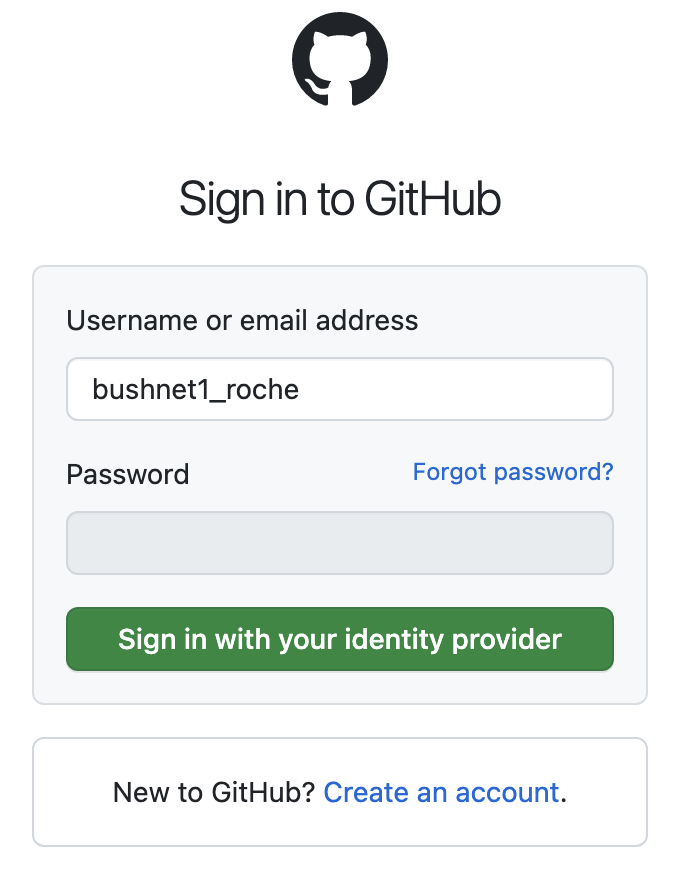
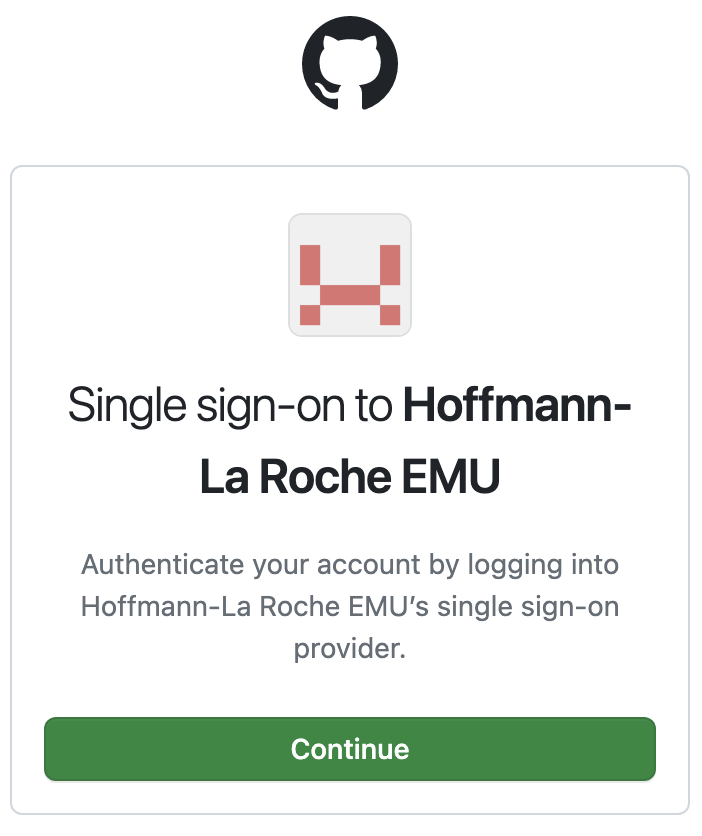
- Click Continue to proceed.
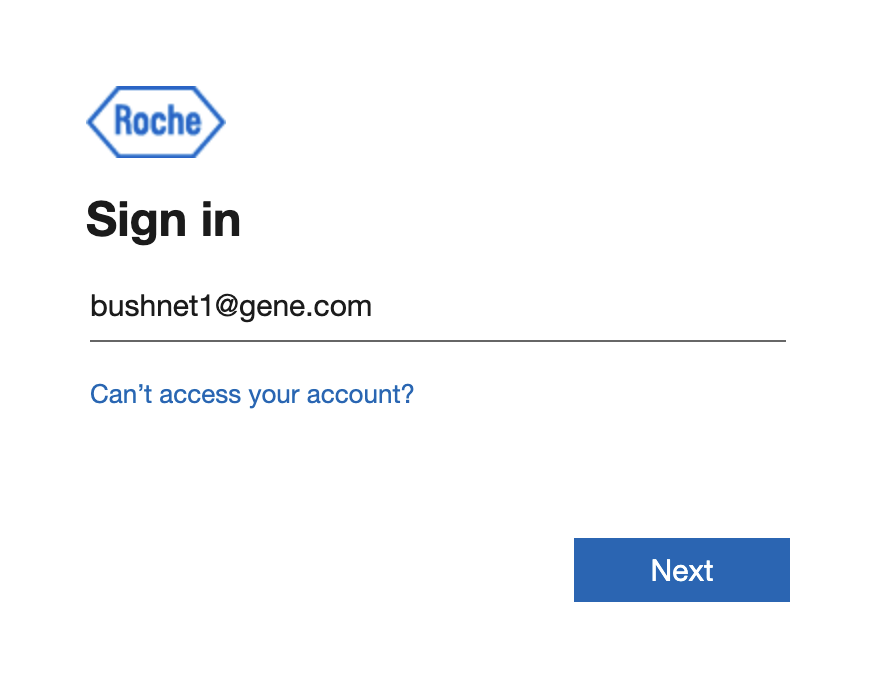
- Enter your corporate email address and click Next.
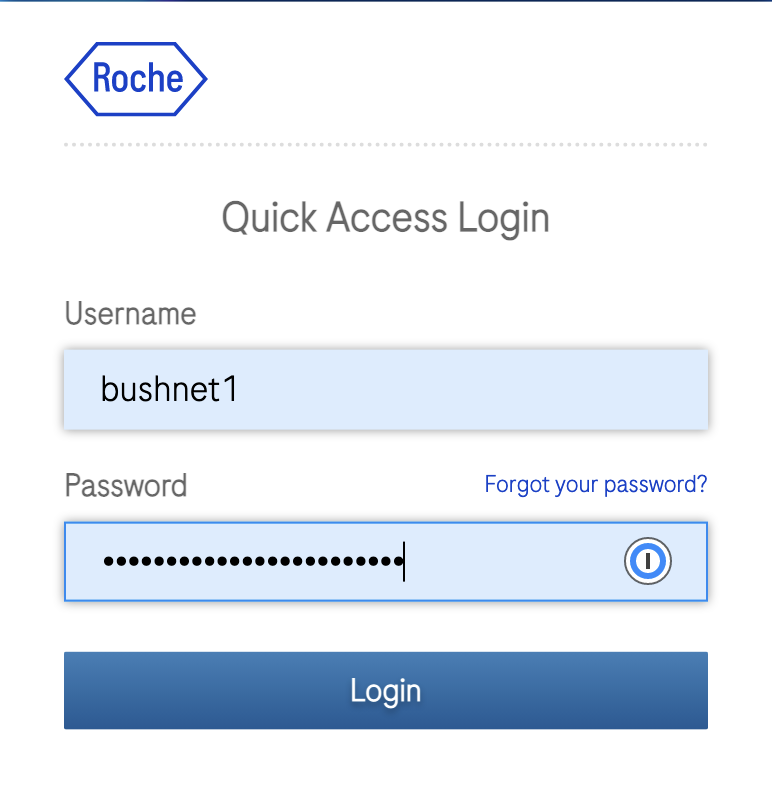
- Enter your UNIX ID and password and click Login.
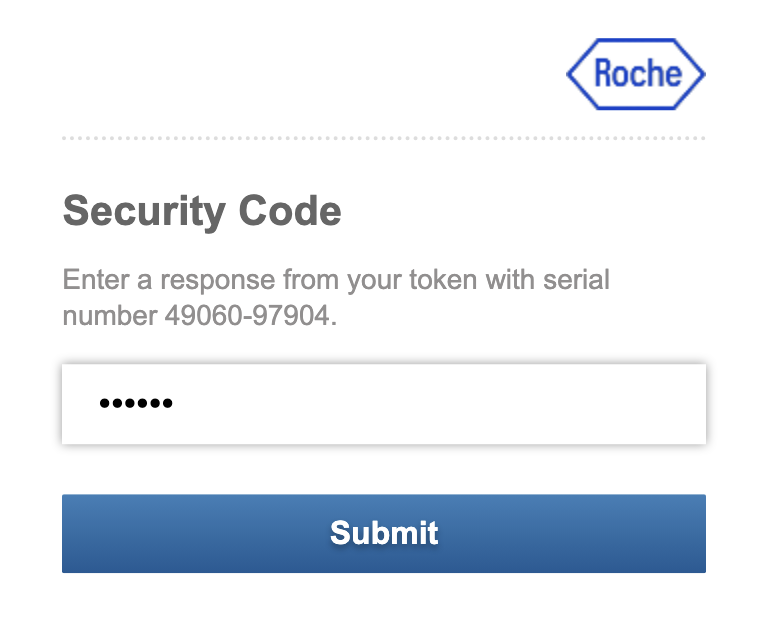
- Enter your dynamically generated one-time password and click Submit.
GitHub Locations
Once logged in you’ll be able to directly access any desired location by clicking on a GitHub URL. The table below provides a few helpful locations.
| GitHub Location | URL | Description |
|---|---|---|
| ECDi Organization | https://github.com/gred-ecdi | Organization home for gRED ECDi team. All of our repos are stored in this organization |
ZenHub Access Instructions
All of the helpful screenshot links were broken when we migrated our Wiki. I will fix these when I have some time. In the meantime, please ping @toddmichael in the #ecdi-ace-infra-support Slack channel with questions. ZenHub is a project management solution that integrates with GitHub to enable sprint based workflows using GitHub issues. The application leverages GitHub authentication so before proceeding please ensure you’ve followed the instructions in the previous section to login to GitHub.
-
Login to GitHub as instructed earlier.
-
Install the ZenHub browser extension via this link.
-
Click the newly installed browser extension and you should be prompted to sign-in to ZenHub.
-
Assuming you’re already authenticated to GitHub, clicking this should silently authenticate you to ZenHub.
-
Navigate to our GitHub ace-infra repository and you should see a new ZenHub tab embedded in your GitHub page.
-
Click the ZenHub tab and you should see our ace-infra board.
-
You can also access this board directly via this ZenHub ace-infra board link.
GitHub Access Model
GitHub user access is integrated with Roche SSO. In order to gain access, users need to be added to one or more of the appropriate Roche Active Directory accounts, as depicted in the linked screenshot below.
<!— image: image (from original wiki uploads) —>
If you are a member of ACE and cannot login, it’s likely that you have not been added to the requisite group. Unfortunately, this inconvenience is due to poor onboarding workflows. My understanding is that there is an effort to improve onboarding workflows so that new users are automatically added to all appropriate groups without having to ask.
Administer groups with RADA
Add a new group
RADA is Roche’s Active Directory Administration tool. It plays an important role in this process.
- Login to http://rada.kau.roche.com/ with your Unix ID and password
- This will probably redirect you to a URL that does not load. The workaround for this is to edit the URL from
http://rada.kau.roche.com/rada/Loading.aspxtohttp://rada.kau.roche.com/rada/and hit enter, hopefully yielding the following page
- Select the groups menu option
- Select create a new group
- Choose GLOAZUGHGredEcdi from the drop down list to yield the following form
- Fill out the relevant fields. The image below represents my creation of the GLOAZUGHGredEcdi_all group that we’re using to represent all ECDi members. See the user group assignments document for mapping details.
- Click create group to create the new RADA group. This should successfully create your new group and render a page like below where you’ll have an opportunity to populate your new group with users.
Git Clone with SSH
$ git clone git@github.com:gred-ecdi/ace-infra-aws-sandbox.git
Cloning into 'ace-infra-aws-sandbox'...
ERROR: The `gred-ecdi' organization has enabled or enforced SAML SSO. To access
this repository, you must use the HTTPS remote with a personal access token
or SSH with an SSH key and passphrase
that has been authorized for this organization. Visit
https://docs.github.com/articles/authenticating-to-a-github-organization-with-saml-single-sign-on/ for more information.

fatal: Could not read from remote repository.

Please make sure you have the correct access rights
and the repository exists.
The solution is to go to where you posted your SSH key and authorize it for SSO. The process is straightforward. Note that below, I’ve already authorized my key so the option is to deauthorize. If you aren’t authorized, there will be an option to do so. Click it to authorize using your SSO credentials. It’s as simple as that.
If you’re still experiencing Git clone issues via SSH, try these troubleshooting steps.
Create a GitHub/ZenHub Label
NOTE: that ZenHub uses GitHub labels so there is no native ZenHub way to create labels. You do so at the GitHub repo level and they’re then available to you in ZenHub.
*NOTE: please be transparent and purposeful when creating labels. Labels can be useful AND they can be abused. We are erring on the side of less labels in this early stage of our ZenHub journey. When creating labels, please add a detailed description, communicate their creation to the team and provide some logic so that we can interrogate the decision. That way we ensure we have enough labels to enhance our workflow and no more.
With that, follow these instructions to create a GitHub label.
The assumption is that you’ll want to create a label for use in ZenHub. We are currently managing all issues in a single repository (ace-infra-issues) rather than on a per-repository basis so use this shortcut to manage labels in our ace-infra-issues repository.
Migrate a repository from GitLab to GitHub
Our Roche GitHub Support Team has kindly offered to manage repository migrations for us. To facilitate this process, we have created a spreadsheet to track the progress. Please follow the instructions below to migrate a GitLab repository to GitHub.
To migrate a repository please follow these steps.
Check/Update the migration spreadsheet
Click the screenshot below to access the migration spreadsheet. First check the existing list to make sure your repository is not already listed. If it is, trust that they will get to it. If not, add your repository to the list.
<!— image: image (from original wiki uploads) —>
The benefit of leveraging our GitHub Support Team for this is that their scripts will automatically migrate code, branches, pull-requests, issues and labels.
Perform post-migration steps
After your repository is migrated, you need to perform the following post-migration steps:
- Confirm GitHub migration was successful
- Set desired permissions on new GitHub repository
- Archive (or delete) Gitlab version so that there is only one writable source of truth
- Update local clone to reflect new origin
# cd into local clone directory
git remote set-url origin git@github.com:gred-ecdi/your_repository_name.git
Migrate from Gitlab CI to GitHub Actions
See Migrating from GitLab CI/CD to GitHub Actions for GitLab migration assistance.
To get started with GitHub Actions you can start with the Quickstart for GitHub Actions.
To learn all the ins and outs of GitHub Actions, go for the GitHub Actions documentation.
As of June 4, we now have self-hosted GitHub Actions runners that enable us to run CI/CD workflows on spot instances running in our AWS ACE-Prod account. At this time, we only support Ubuntu Linux. To enable this, you must set your job’s runs-on value to the following:
runs-on: ["self-hosted","linux","x64","ubuntu"]To run on GitHub Enterprise managed runners, please set your type according to these instructions.
Note: The Self-hosted runners can only run within the organization, so your repository must be under gred-ecdi. Otherwise, it won’t work.
Troubleshooting Self-Hosted GitHub Actions Runners
Self-hosted runners not firing up
Check the /aws/lambda/github-runner-prod-webhook Cloudwatch LogGroup.
Manage Projects with ZenHub
NOTE: this is a complicated question that’s not yet figured out yet so this is more of a parking lot for tips and resources than anything else.
Definitions
- An Issue is a piece of work that can be completed within a single Sprint.
- A Milestone represents all the work a team plans to do in a single Sprint. So a Sprint is a Milestone and a Milestone is a Sprint.
- Sprints usually last two weeks, but are configurable and commonly range between 1-3 weeks.
- An Epic is a group of related Issues that make take a few Sprints to complete (2-6 weeks). Epics are a way for you to plan out your goals, or groupings of related issues.
Tips
- Epics themselves should not be estimated, but instead, help teams understand large scope projects. The epic is like a landing page of tasks that make up larger work projects, acting as an information beacon. So don’t add time estimates to epics themselves and don’t include them in Sprints (link).
FAQ
My team likes Gitlab. Do I have to migrate to GitHub?
If you prefer Gitlab, you are welcome to stay with Gitlab. ACE Infra did not choose to migrate to GitHub; we were instructed to move to GitHub. That said, we think it provides an improved workflow thanks to enterprise grade tooling (e.g. ZenHub) that are not and will never be available via Roche (code.roche.com) Gitlab.
If your team chooses to stick with Gitlab, that is your team’s business. You will still have access to GitHub though as this will be required for the purpose of opening tickets for ACE Infra and any other teams who choose to manage issues via GitHub.
How do I open up tickets for ACE Infra?
Effective immediately, please use our ace-infra-issues project to open issues. The process is essentially the same as Gitlab - single “issues” project where users open up tickets - but with a much improved workflow and better transparency thanks to our use of ZenHub.
How often are RADA changes sync’d with GitHub
Every 40 minutes.
How much does ZenHub cost?
ZenHub is $7.95 per user per month, billed annually.
Reference Pricing and Plans.
Resources
Roche/GitHub Training Seminars
The resources below were shared with me by our GitHub Support Team. As of August 2022, I have not yet watched them. When I do, I will provide additional details to help others more easily locate topics of interest. I encourage others who watch any of these trainings to do the same.
- GitHub Developer Training #1
- GitHub Developer Training #2
- GitHub Innersource Training
- GitHub Workflow Consultation